Start with the tools you use.
Import managed Windows and Mac inventory from Intune, Jamf or CSV. Review affected software versions across labs and staff devices.
Explore inventory imports →FOR EDUCATION
Shared computers, staff laptops and campus teams need clear ownership. Bring managed device inventory together and keep remediation tasks with their verification notes.
Free for your first 50 assets. View plans
HOW YOUR TEAM CAN USE IT
Import managed Windows and Mac inventory from Intune, Jamf or CSV. Review affected software versions across labs and staff devices.
Explore inventory imports →Assign an owner and due date. Track task status and SLA deadlines. Use your endpoint tools to carry out the work, then keep the verification notes with the task.
Watch the remediation workflow →Use NIST CSF 2.0 checklists on the Compliance plan to organize security reviews. Export findings and remediation records for IT leadership.
Compare plan features →SEE THE WORKSPACE
Watch an edited product overview or explore three short workflow clips. The recordings use sample data in the actual interface.
Watch the product overview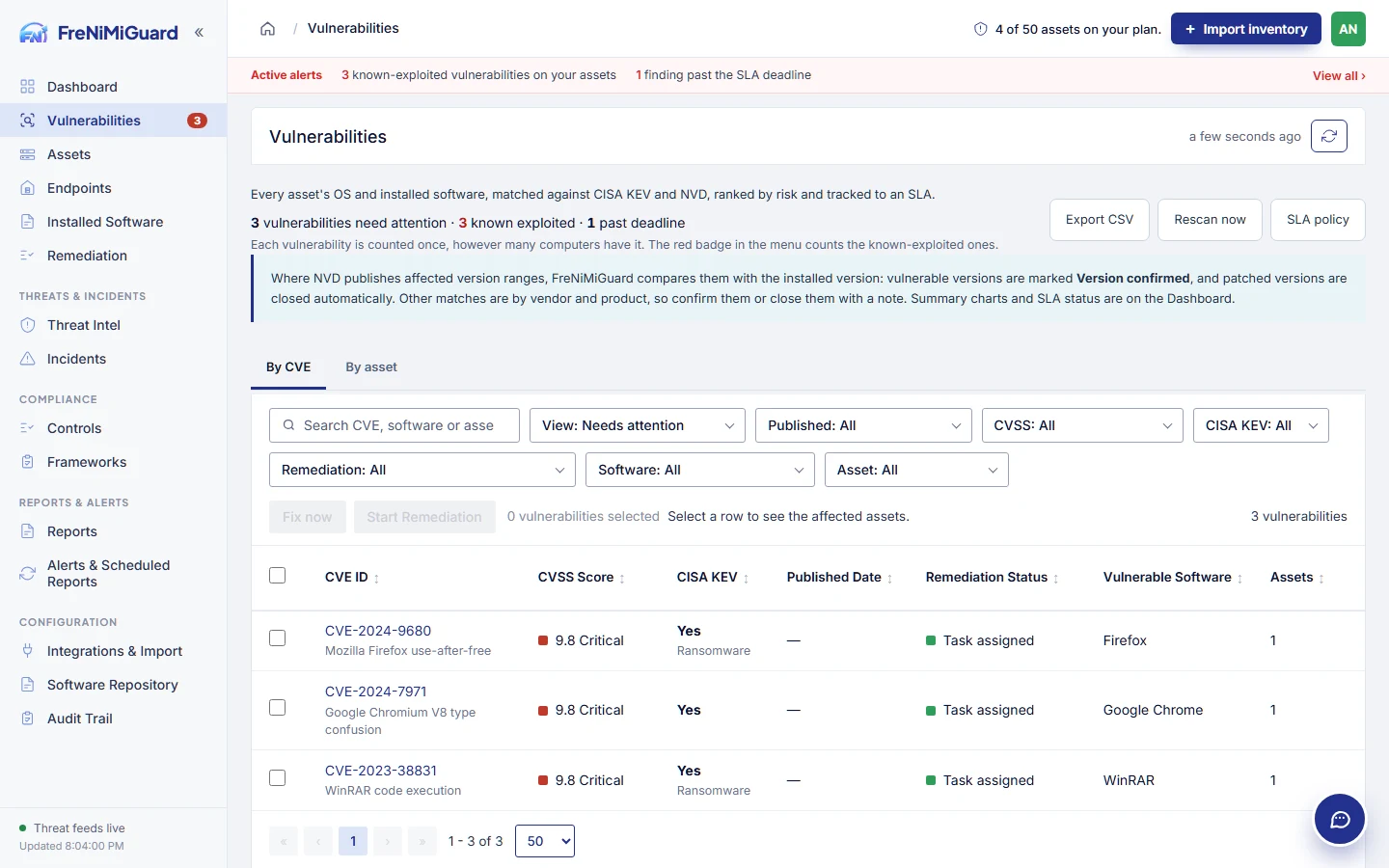 Product demonstration · Sample data →
SOLUTIONS
Bring your device sources, remediation process and review requirements to the conversation.
Request a demo