Start with the tools you use.
Combine software inventory from your existing endpoint tools. Prioritize known exploitation and asset criticality, then assign accountable owners.
Explore inventory imports →FOR FINANCIAL SERVICES
IT and security teams need to explain which findings were reviewed, who owns the work and what was checked before closure. Keep those records together.
Free for your first 50 assets. View plans
HOW YOUR TEAM CAN USE IT
Combine software inventory from your existing endpoint tools. Prioritize known exploitation and asset criticality, then assign accountable owners.
Explore inventory imports →Assign an owner and due date. Track task status and SLA deadlines. Use your endpoint tools to carry out the work, then keep the verification notes with the task.
Watch the remediation workflow →Export findings, SLA reports and verification records for internal security reviews. The Compliance plan adds NIST CSF 2.0 checklists and control evidence.
Compare plan features →SEE THE WORKSPACE
Watch an edited product overview or explore three short workflow clips. The recordings use sample data in the actual interface.
Watch the product overview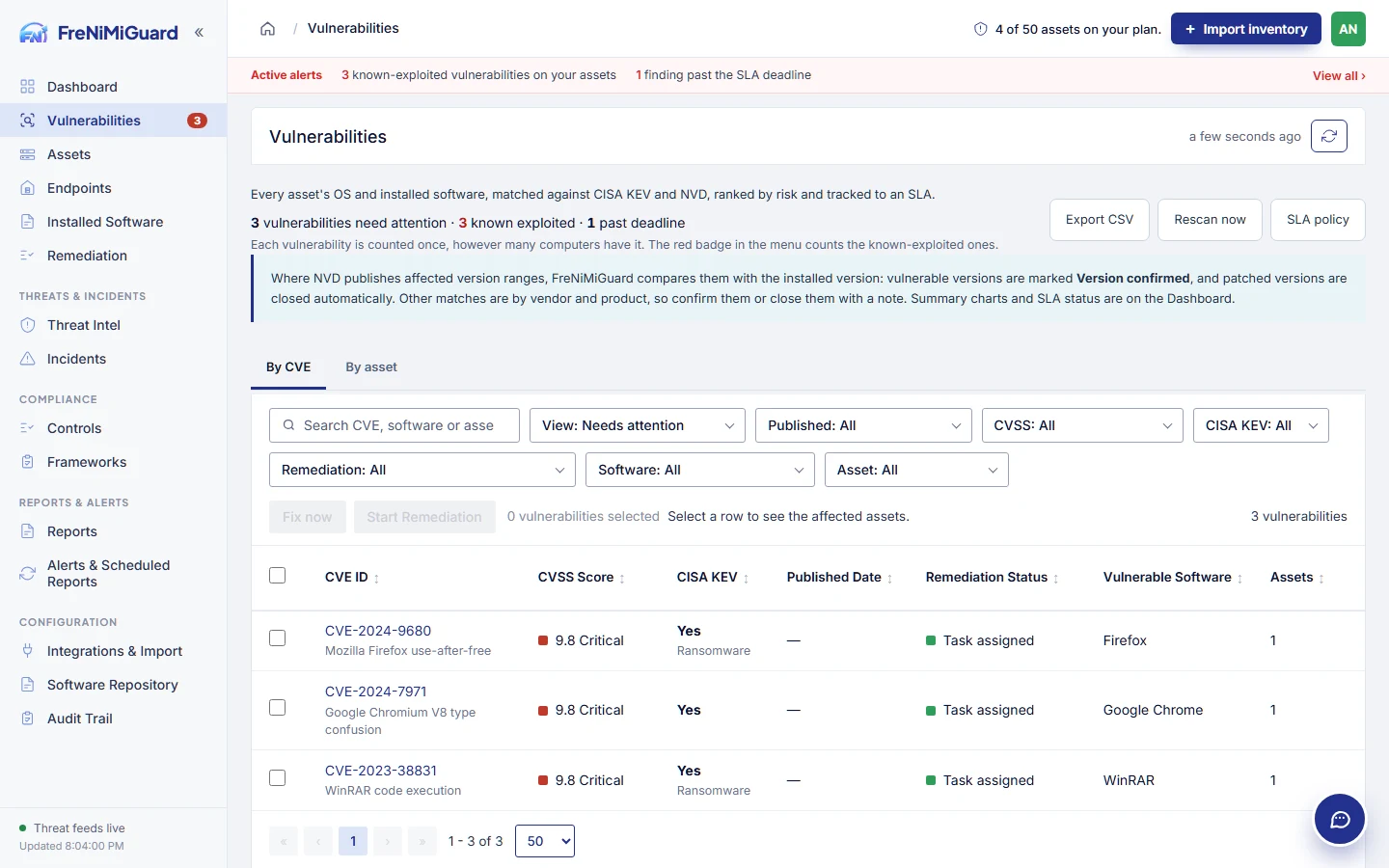 Product demonstration · Sample data →
SOLUTIONS
Bring your device sources, remediation process and review requirements to the conversation.
Request a demo